 Droicer DLS 25
Guide
Custom Kits and Logos in Droicer DLS 25
Give your club its own identity with imported kits and logos, and make the team feel like yours from the first match.
By Marco Antonio Reyes, Mobile Games Reviewer
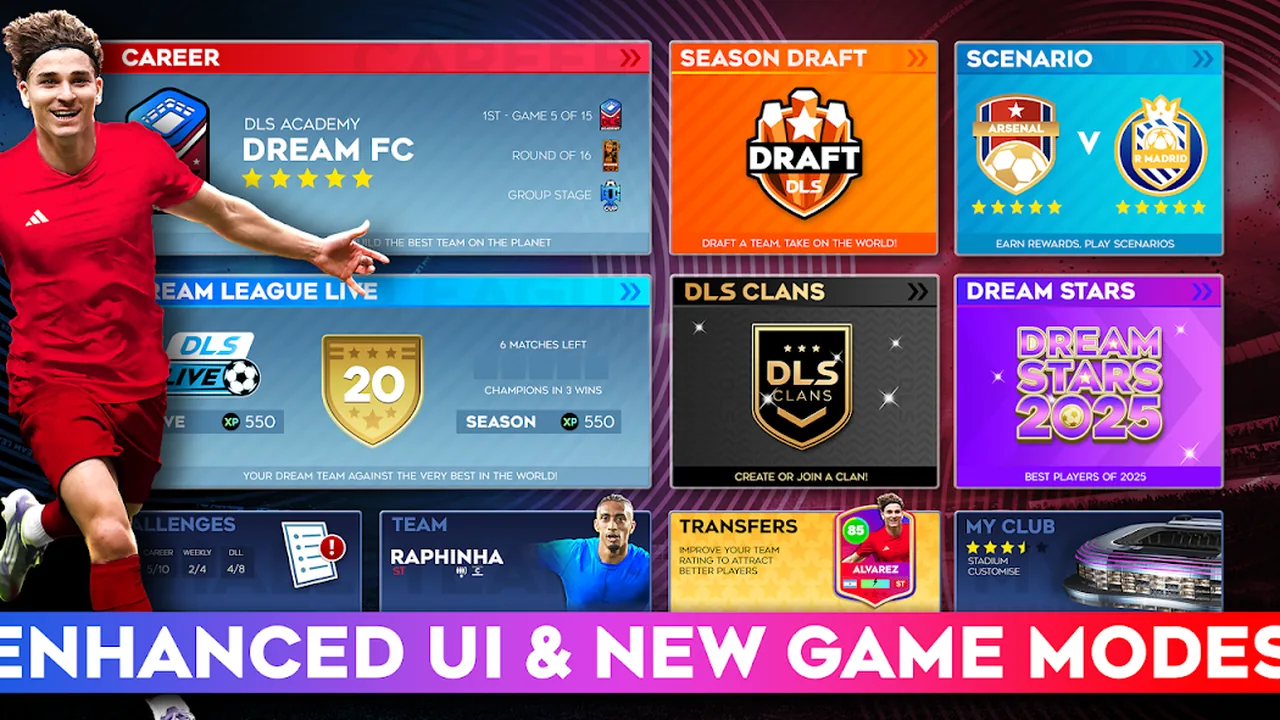
A club needs an identity, and Dream League Soccer gives managers the tools to create one. Dream League Soccer 25 by Droicer supports importing custom kits and logos, so the team that walks out can look exactly the way you imagined it.
Custom kits are about more than decoration. A distinctive kit makes your team recognisable in every screenshot, every highlight, and every match, and it turns a default club into a club with a story. Players remember their own colours.
Keep designs simple and bold. Strong colours, clear shapes, and a badge that reads at a glance work far better than busy patterns that blur at match speed. The best kits in football history are simple, and the same rule applies here.
Change kits sparingly. A club identity grows over seasons, and constantly changing the look resets that feeling. Pick colours you will still like in three seasons, and let them become the club. building a squad in DLS 25 covers building the team itself, and stadium upgrades in DLS 25 covers the home the team plays in.
Identity is free, personal, and permanent. It is the part of the game that no transfer window can buy.
Frequently Asked Questions
Tactics-board answers to the questions players ask before installing the restored build.
Can I use custom kits in DLS 25?
Yes. Dream League Soccer supports importing custom kits and logos, so you can give your club its own look.
What makes a good custom kit?
Simple, bold designs with strong colours and a badge that reads at a glance. Busy patterns blur at match speed.
Should I change kits often?
No. A stable identity grows over seasons, and constantly changing the look resets that feeling.