 Droicer DLS 25
Guide
How to Install Droicer DLS 25 on Android
Step by step: installing Droicer DLS 25 on an Android phone, and the checks to run before the first match.
By Marco Antonio Reyes, Mobile Games Reviewer
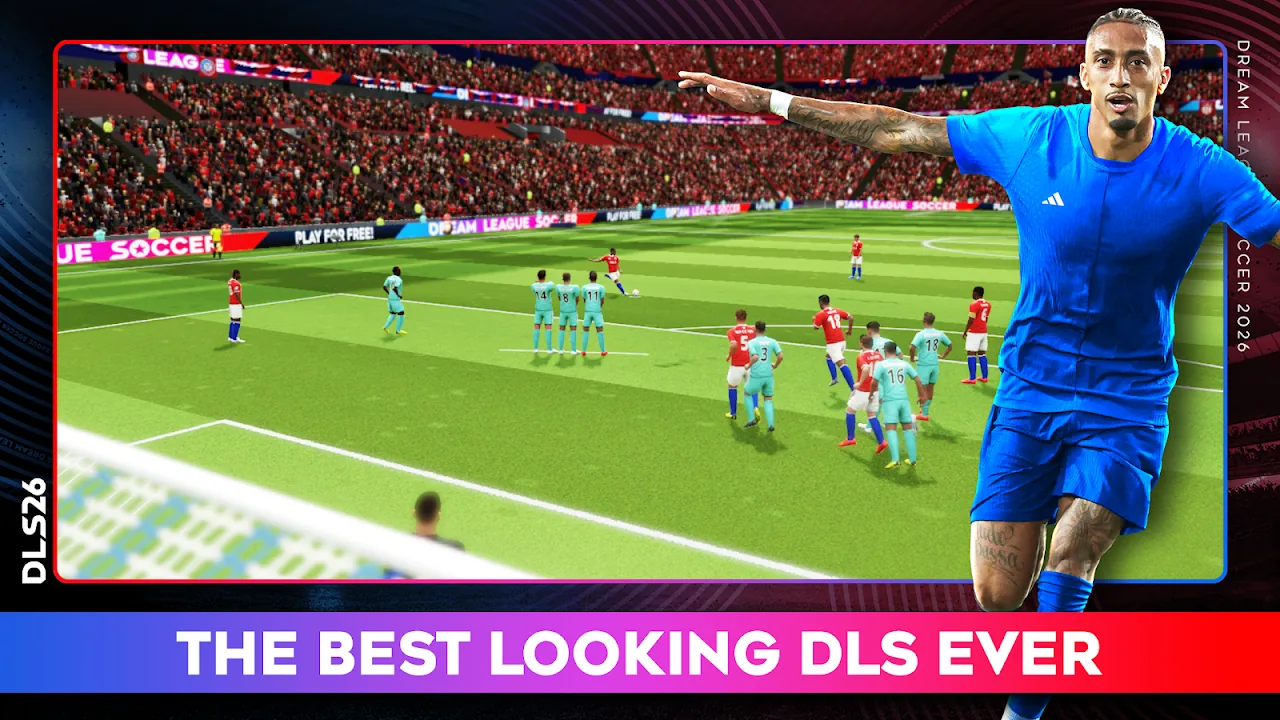
Installing a large game deserves a little preparation, and DLS 25 is a large game. Droicer DLS 25 APK has a file size that varies by build, so the first job is making room and finding good Wi-Fi before the download begins.
Check the phone first. Droicer DLS 25 needs Android 6.0 and above, and a game of this size needs comfortable free space beyond the download itself, for installation and for the data the game creates as you play. A phone that is nearly full will struggle.
Download over Wi-Fi, with the phone plugged in or well charged. A large download on mobile data is expensive, and a download interrupted by a dead battery has to start again. Patience here saves frustration later.
Once installed, open the game and let it settle. The first launch can take longer than later ones, and the first matches are the time to learn the controls rather than to judge the game. beginner tips for DLS 25 covers the first matches, and touch controls in DLS 25 covers the touch controls in detail.
A careful install is a quick install. Ten minutes of preparation gives a game that is ready for seasons.
Frequently Asked Questions
Tactics-board answers to the questions players ask before installing the restored build.
Which Android version do I need for Droicer DLS 25?
Android 6.0 and above, according to the base game listing information.
How big is the download?
The file size varies by build, so no single size is stated. Download over Wi-Fi and allow generous free space.
Why is the first launch slow?
The first launch sets the game up and can take longer than later launches. Later sessions start much faster.