 Droicer DLS 25
Guide
Storage and Performance for Droicer DLS 25
A large game needs room and a phone that is not struggling. How to keep DLS 25 running smoothly all season.
By Marco Antonio Reyes, Mobile Games Reviewer
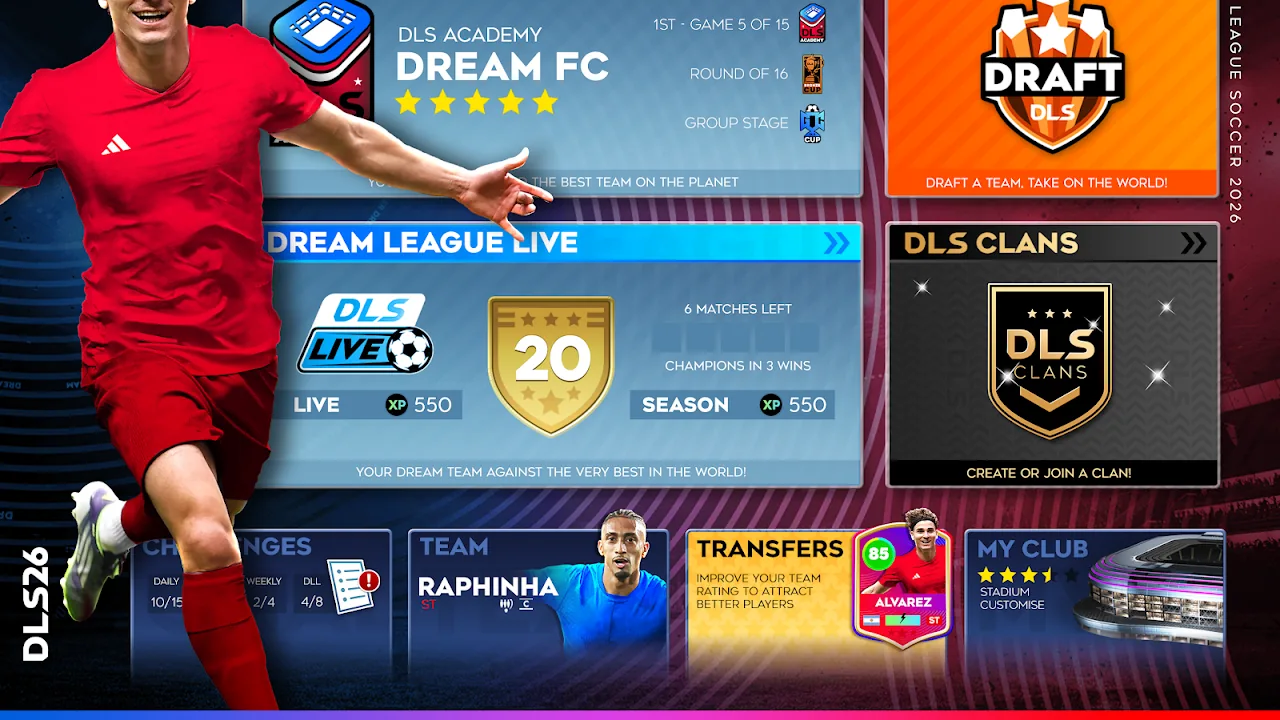
A football game of this size asks more of a phone than most apps, and a phone that is full or tired will show it on the pitch. Droicer DLS 25 APK runs best on a phone with room to breathe and nothing competing for its attention.
Keep generous free space. The download size varies by build, and the game creates data as seasons progress, so a phone with only a sliver of space left will stutter and crash. Clearing unused apps and old downloads before a new season is good management off the pitch too.
Close other apps before playing. A game running alongside a browser full of tabs, a music app, and a chat app is sharing the phone with all of them, and the match is the thing that suffers. A clean phone is a smooth match.
Restart the phone occasionally. A phone that has been on for weeks accumulates small problems that a restart clears in a minute. installing Droicer DLS 25 covers the install, and matchday routine for DLS 25 covers the session habits that keep the game enjoyable.
Performance is maintenance, not luck. A little housekeeping keeps the football smooth.
Frequently Asked Questions
Tactics-board answers to the questions players ask before installing the restored build.
How much free space should I keep for DLS 25?
Generous space beyond the download itself. The file size varies by build, and the game creates data as you play.
Does closing other apps help performance?
Yes. A game with the phone to itself runs smoother than one sharing resources with browsers and chat apps.
Should I restart my phone sometimes?
Yes. A periodic restart clears small problems that build up over weeks of continuous use.